

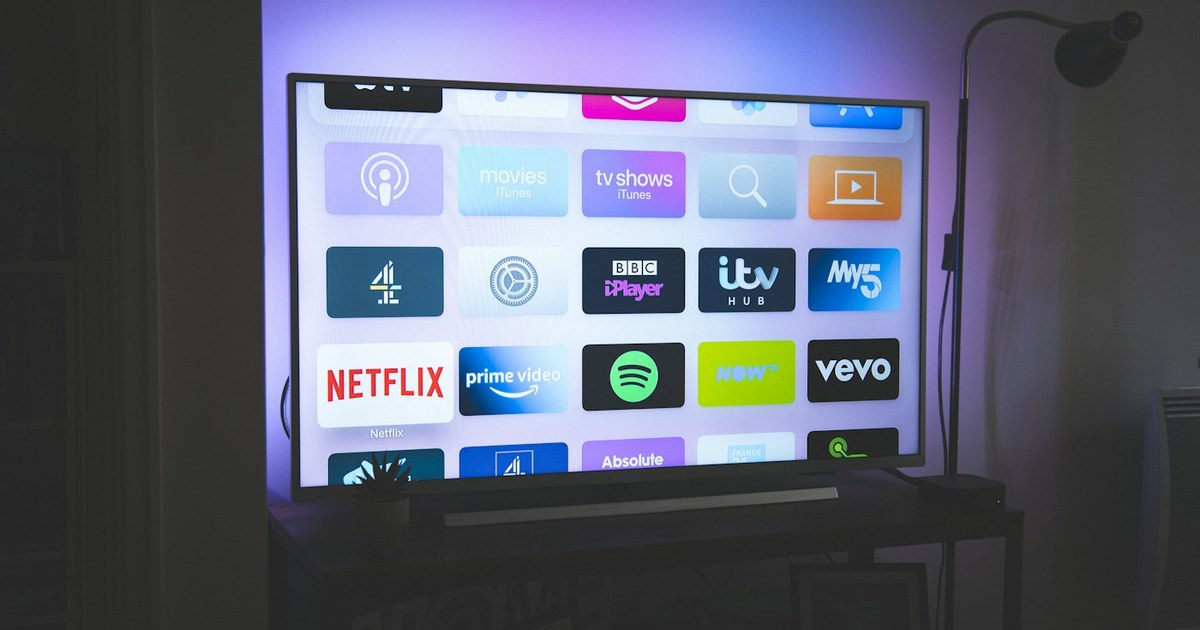
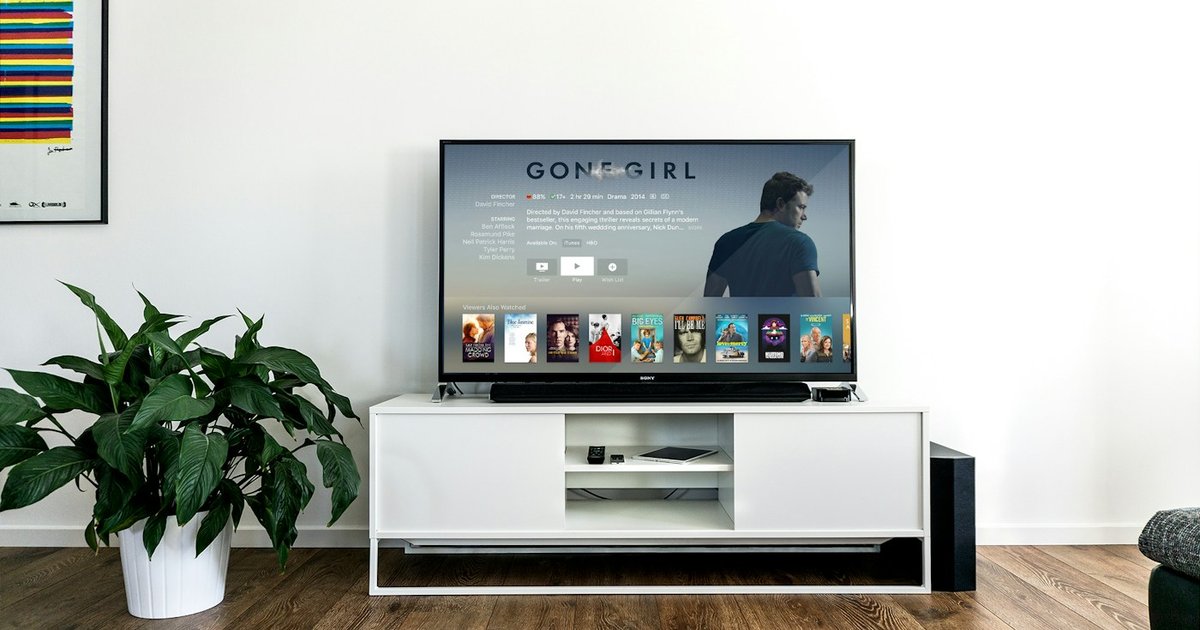
Second-hand marketplaces like Facebook Marketplace, Craigslist, and electronics liquidators are saturated with large-format 4K TVs. Upgrading from a decade-old 1080p set to a 55-inch or 65-inch 4K HDR display for $150 to $300 seems like an unbeatable bargain. However, modern smart televisions are fundamentally different from durable legacy electronics: they are delicate thin-film transistor matrices paired with thermally constrained LED arrays, running closed-source operating systems designed to harvest user viewing habits.
Understanding Display Technologies: OLED vs LED vs QLED
Before inspecting a used television, you must understand the underlying display architecture and its specific failure points:
1. Traditional Direct-Lit & Edge-Lit LED
These displays use a liquid crystal panel illuminated by white light-emitting diodes (LEDs) positioned either along the perimeter (edge-lit) or directly behind the screen (direct-lit). Over time, heat causes individual LEDs to burn out or degrade chemically, shifting color temperatures from neutral white to a distracting violet or blue tint.
2. OLED (Organic Light Emitting Diode)
In OLED displays, each individual sub-pixel produces its own light. While OLED delivers absolute black levels and infinite contrast, the organic compounds degrade unevenly over prolonged usage. Displaying static imagery (such as cable news banners, sports score tickers, or video game HUDs) can cause permanent image retention, commonly known as burn-in.
3. QLED (Quantum Dot LED)
QLED is essentially a high-end LED-backlit LCD equipped with a microscopic quantum dot enhancement film to produce richer reds and greens. While immune to OLED burn-in, QLED sets remain vulnerable to full-array local dimming (FALD) zone controller failures and edge-light degradation.
The In-Person 6-Step Technical Inspection Routine
Never purchase a used television without conducting an active physical demonstration with the seller. Bring a USB thumb drive loaded with solid color test patterns (full 4K images in pure red, pure green, pure blue, 50% gray, pure white, and pure black).
1. The 50% Gray Screen Uniformity Test
Insert your test USB drive and display the 50% solid gray slide. Gray is the most revealing shade for detecting the Dirty Screen Effect (DSE), banding, and backlight uniformity problems. Look for dark vertical bars, cloudy blotches, or shadowed corners. Severe DSE will make camera panning shots during football or hockey matches look dirty and distracting.
2. OLED Burn-In Inspection (Red & Magenta Patterns)
Display the solid red and magenta patterns. Red sub-pixels degrade fastest in OLED matrices. Carefully inspect the bottom corners (where news banners sit) and top corners (channel logos). If you see the ghostly outline of a network logo or gaming health bar, do not purchase the set; OLED burn-in cannot be reversed through software updates.
3. Check for Dying Backlight Strips (The Purple Tint Phenomenon)
Load the full white screen. If the display appears distinctively purple or bluish rather than clean white, the yellow phosphor coating on the internal LED backlights has degraded from heat exhaustion. This is especially prevalent on aging low-cost 4K TVs. Replacing backlight strips requires dismantling the entire LCD glass stack, which carries a high risk of cracking the panel.
4. Physical Bezel and Panel Stress Audit
Inspect the screen surface with a flashlight held at a sharp angle while the TV is powered off. Check for hairline cracks, scratches in the anti-reflective polarization film, and frame bowing. Press gently near the edges; if the LCD panel has detached from the internal frame adhesive, internal light will bleed uncontrollably.
5. Verify All Physical HDMI and Audio Ports
Bring an HDMI cable and a portable device (such as a laptop or Nintendo Switch). Test every HDMI input on the TV. Physical ports on wall-mounted TVs are frequently bent or broken during hasty dismounting. Ensure that HDMI Port 2 (typically the ARC/eARC audio return channel) recognizes audio equipment properly.
6. Query the Service Menu for Total Operating Hours
Most televisions record their cumulative power-on time within hidden service menus:
- LG TVs: On the webOS interface, navigate to Settings > General > About This TV > TV Information. Look for Total Power On Time. An OLED with under 4,000 hours has significant lifespan remaining; an OLED exceeding 12,000 hours is approaching late-stage wear.
- Sony & Samsung: Accessing lifetime runtime often requires specific service remote codes entered during standby (e.g., Mute + 1 + 8 + 2 + Power). Ask the seller if they know the approximate daily usage.
Evaluation Matrix: When to Walk Away vs Buy
| Observed Symptom | Underlying Cause | Purchase Decision |
|---|---|---|
| Faint shadow in corners only | Minor edge-lit vignetting (normal for budget sets) | Safe to Buy (Negotiate $20-$40 discount) |
| Persistent logo outline on red screen | Permanent OLED sub-pixel burn-in | Walk Away Immediately |
| Screen blinks off after 10-15 minutes | Power board capacitor or backlight thermal fault | Walk Away Immediately |
| Distinct purple/indigo cast across white image | Degraded LED phosphor coatings | Walk Away (Backlight replacement required) |
| Missing remote control | Lost accessory | Safe to Buy (Universal remotes cost $10-$15) |
Post-Purchase Privacy Hardening: Neutralizing Smart TV Adware
Once you bring your television home, address the software layer. Modern smart TVs track every frame of video played through connected devices (including gaming consoles, Blu-ray players, and streaming sticks) using Automatic Content Recognition (ACR) to sell behavioral profiles to advertisers.
The Recommended ‘Dumb Display’ Configuration
The most secure way to operate a smart TV is to never connect it to your home Wi-Fi network. Instead:
- Connect a dedicated, privacy-configurable streaming box (such as an Apple TV 4K or an open-source media player running Kodi/CoreELEC).
- If you must use internal apps, navigate to the television’s system settings and disable:
- Automatic Content Recognition (ACR)
- Voice Data Collection / Microphone Sharing
- Interest-Based Advertising and Cross-Device Tracking
- Block manufacturer telemetry domains at your home router or DNS resolver level (e.g., using Pi-hole or NextDNS) to stop background tracking beacons.
Conclusion
A methodical pre-purchase inspection protects you from inheriting someone else’s degraded display panel. By testing uniformity with gray slides, verifying color purity, and isolating the smart platform behind a secure external streaming device, you can enjoy flagship 4K home theater visuals at budget prices.
OLED Subpixel Burn-In and Edge-Lit LED Dimming Zone Diagnostics
When shopping for a pre-owned television, screen panel degradation represents the single highest financial liability. OLED and QLED displays age through completely different failure mechanisms that require methodical, hands-on visual inspection prior to purchase.
For OLED panels, organic red and green subpixels degrade disproportionately when subjected to static imagery such as cable news banners, sports score tickers, or video game HUDs. To test for burn-in, bring a USB thumb drive loaded with full-screen 3840×2160 solid color slides: 5% grey, solid magenta, cyan, pure red, and pure yellow. Any permanent subpixel wear will immediately materialize as dark silhouettes or discoloration bands. For LED/LCD panels, display a solid black slide in a darkened room to inspect for blown backlight LED strips, edge-light clouding, and defective full-array local dimming (FALD) zones that produce severe halo blooming around bright objects.
Neutralizing Smart TV Telemetry, Adware, and Automatic Content Recognition (ACR)
Modern smart televisions sold by major manufacturers operate as persistent data surveillance hubs. Through built-in technologies known as Automatic Content Recognition (ACR), the TV’s system-on-chip takes rapid acoustic and visual fingerprints of whatever is on screen—including HDMI-connected game consoles, streaming sticks, and local home videos—transmitting that data back to advertising brokers in real time.
Upon acquiring a used smart TV, initiate a mandatory factory reset through the master settings menu to purge all cached account tokens from the previous owner. During the initial onboarding setup, deliberately decline all optional terms of service relating to ‘Viewing Information Services’, ‘Interest-Based Advertising’, and ‘Voice Data Collection’. To achieve complete privacy, connect the TV to a network subnet governed by a local DNS sinkhole (such as Pi-hole or AdGuard Home) to block known telemetry endpoints operated by Samsung, LG, Sony, and Roku.
Pre-Owned Smart TV Diagnostic and Privacy Checklist
| Inspection Domain | Diagnostic Procedure | Standard Baseline | Critical Defect Indicator |
|---|---|---|---|
| OLED Uniformity | Display 5% grey and solid magenta slides | Even color saturation across panel | Persistent ghost silhouettes or color patches |
| Backlight Strips | Display 100% white screen | Uniform luminance without dark bands | Horizontal shadow lines or strobing flicker |
| HDMI 2.1 Ports | Connect laptop with 4K/120Hz or eARC audio | Handshake within 2 seconds without audio drop | Sparkling artifacts, snow, or handshake disconnects |
| Internal Speakers | Sweep audio frequency tone from 40Hz to 10kHz | Clean acoustic response without buzz | Blown driver buzzing or housing resonance |
| Privacy Settings | Audit system permissions and ACR toggles | All marketing and telemetry trackers disabled | Mandatory agreement screens blocking HDMI inputs |
Frequently Asked Questions About Second-Hand Smart TVs
1. Can I use an older smart TV safely if its operating system no longer receives updates?
Yes, by converting the television into a ‘dumb display’. Simply disconnect the TV from your Wi-Fi network and connect a modern, actively supported external streaming device (such as an Apple TV 4K, Chromecast with Google TV, or Fire TV Stick). This isolates the TV’s unpatched firmware from the internet while delivering modern app performance and regular security updates.
2. How many hours of total runtime can a quality OLED TV endure?
Modern OLED panels are rated for approximately 30,000 to 50,000 hours of viewing before reaching half-brightness under normal mixed usage. However, accessing the TV’s hidden service menu (e.g., using specialized remote button combinations) lets you inspect the exact total operational hours logged by the mainboard.
3. What causes vertical or horizontal lines across a TV screen?
Single colored lines running vertically or horizontally across the display typically indicate bonding failure between the T-Con (timing controller) ribbon cable and the glass panel edge. This is a fatal panel defect that cannot be cost-effectively repaired, meaning the television should be rejected immediately.